Adding Project Managers
Edited
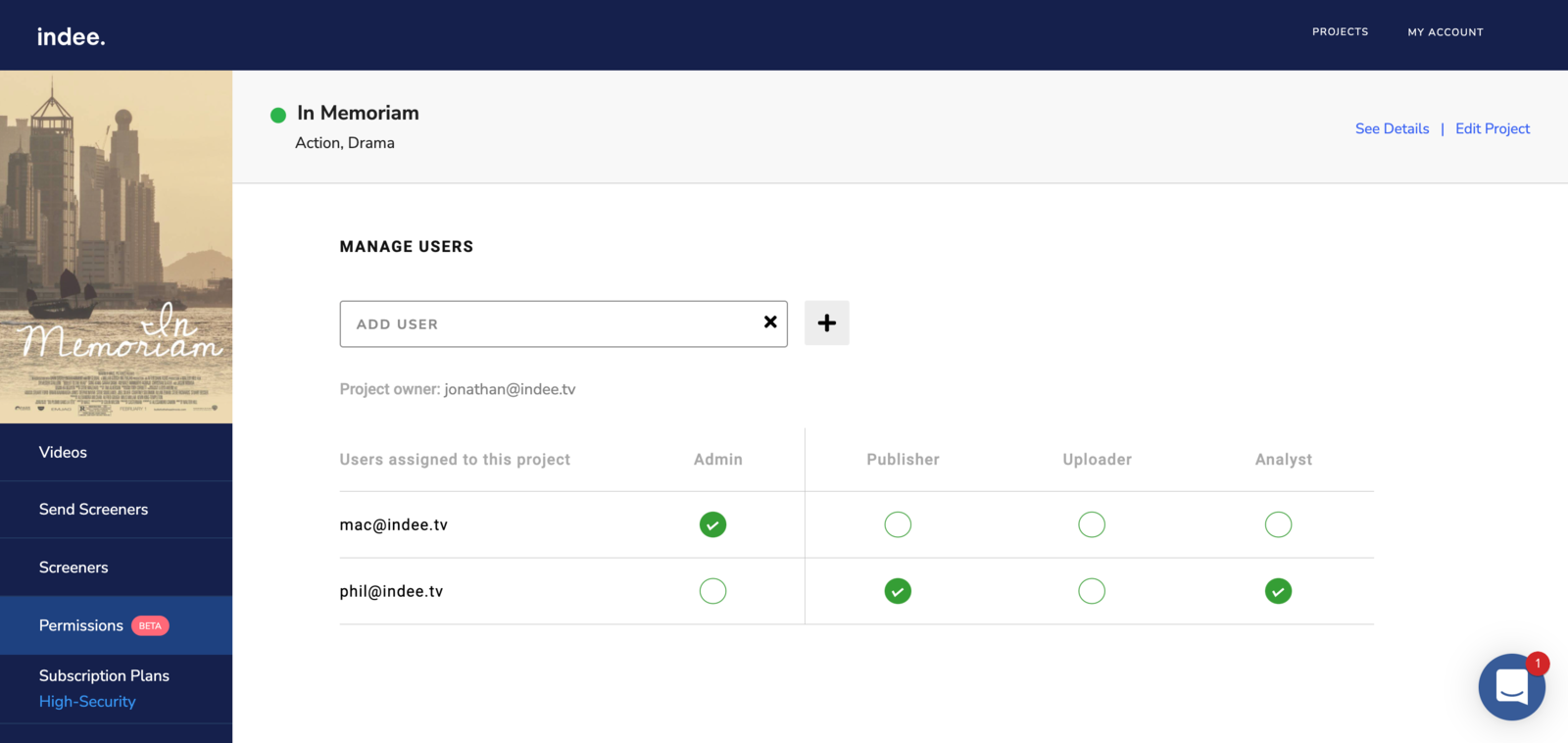
To add managers to a project:
Head to the Permissions page
Enter the email address of the individual you would like to add as a manager to your project
Click the Add icon
Check the appropriate role(s) listed against the user's name
This triggers a project management invitation request to the individual. Once the invitee accepts your request and signs up for an Indee account, the project will appear on their project listings page on login.
Note: While Project Owners can add all project managers, Admins can only add Publishers, Uploaders and Analysts.
project
manager
admin
owner
permissions
Was this article helpful?
Sorry about that! Care to tell us more?