Deleting Project Managers
Edited
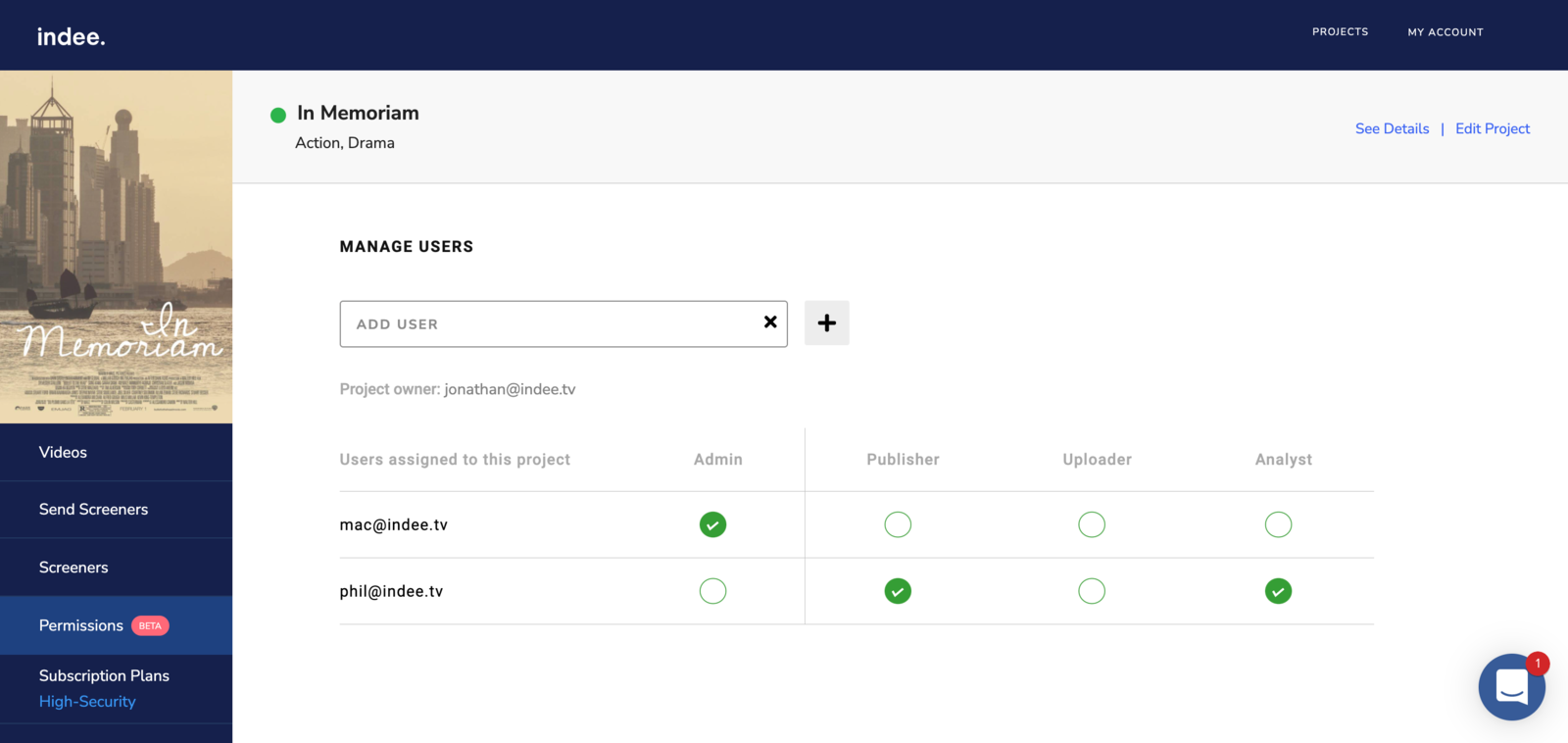
Teams keep changing and so do responsibilities. To help with these uncertainties, you have the option to remove managers from your projects.
To remove managers from a project:
Head to the Permissions page
Uncheck all the roles assigned to a user, and refresh the page
The user will be notified by email that their access to the project has expired.
Note: While Project Owners can remove all project managers, Admins can only remove Publishers, Uploaders and Analysts.
project
manager
permissions
deleting
admin
Was this article helpful?
Sorry about that! Care to tell us more?