Video Activity
Edited
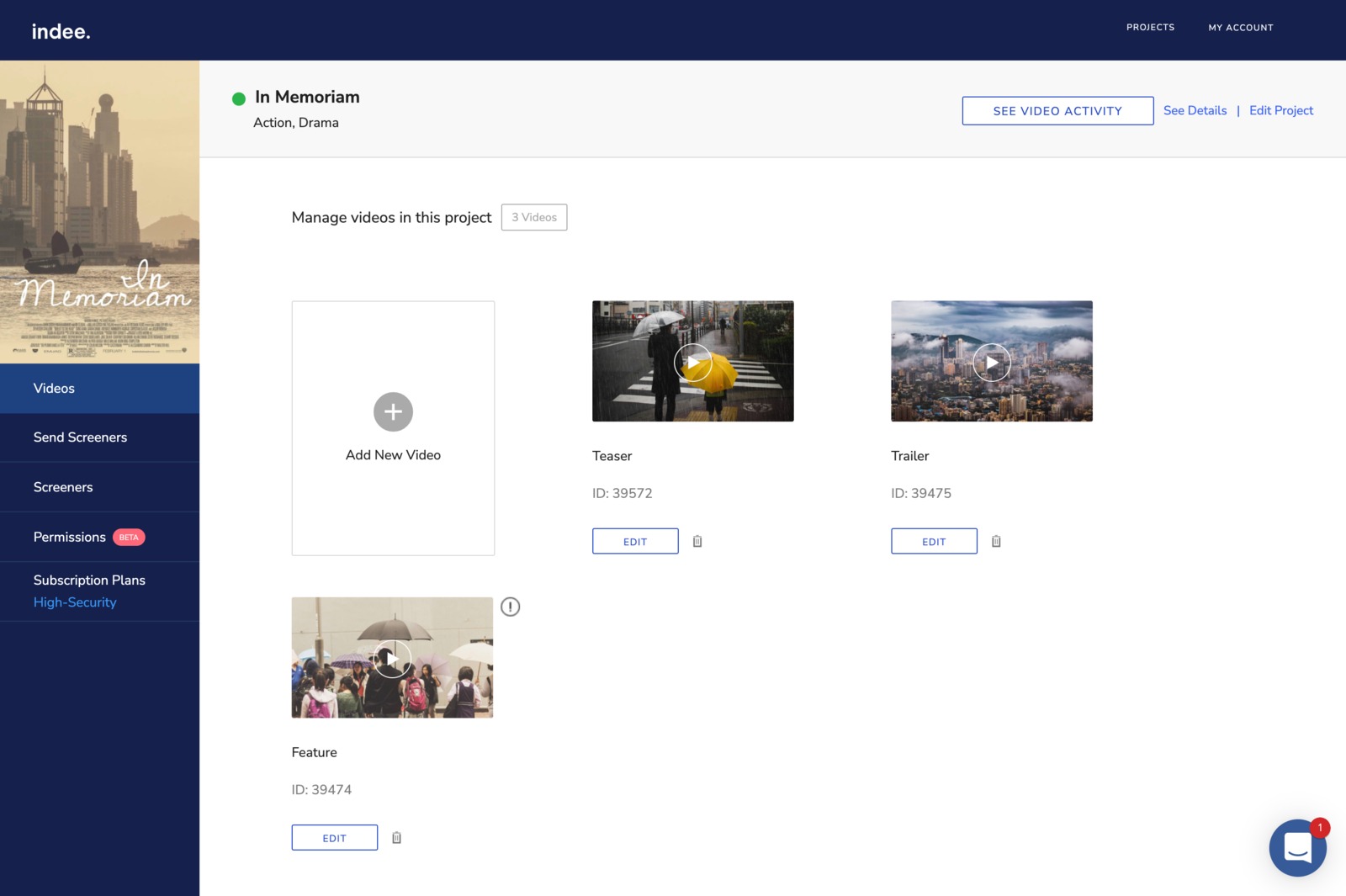
On the top panel, there is a "See Video Activity" button on the right. This section provides a log of all the videos that have been uploaded for a particular project, along with the following details:
Date and time of video creation
Email address of the user who uploaded the video
Video ID
The action performed on the video, such as video creation along with the filename.
This is useful when you’re working with a wider team that’s handling uploads for a large number of videos.
Note: Video Activity is only accessible to project owners and admins.
Was this article helpful?
Sorry about that! Care to tell us more?